Brand guideline · from your website
Your website already has a brand. We write it down.
Give us the address. We read the colors, fonts, logo, spacing and words your page really uses, and send you a brand guideline of about 46 pages as a PDF and as an editable PowerPoint, a slide template in your own colors, fonts and logo, and the files in a ZIP.
Not on sale yet. It will cost 49 €, one payment, when ordering opens. You get a short confirmation now and one email at launch.

01
How it works
Read
We open your public page in a real browser.
Desktop and mobile. We measure the colors in use and how much of the page each one covers, the fonts and sizes, button and card styles, spacing, and the logo files the page loads.
Write
Three AI models: one writes, two check.
One model writes the brand text using only words found on your page. Two other models check it against the page. Each section shows how many of the three agreed, for example 3/3. Numbers that are not on your page or in our measurements are removed.
Deliver
PDF, PowerPoint and ZIP by email.
You get download links, usually within an hour of ordering. The links work for 30 days.
02
What you get
The PDF · about 46 pages
- Brand coreAudience, promise, persona, mission
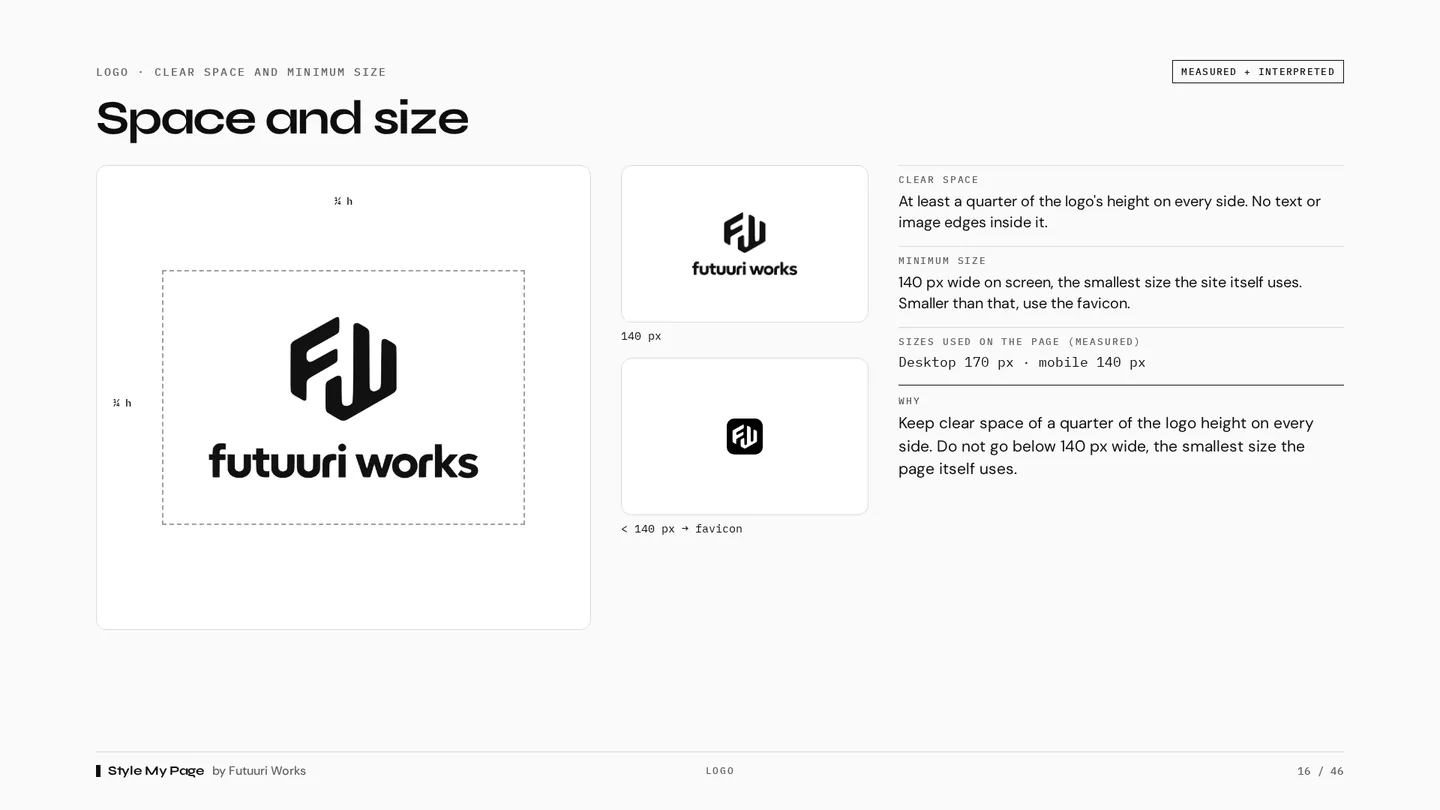
- LogoVersions, clear space, minimum size, don'ts
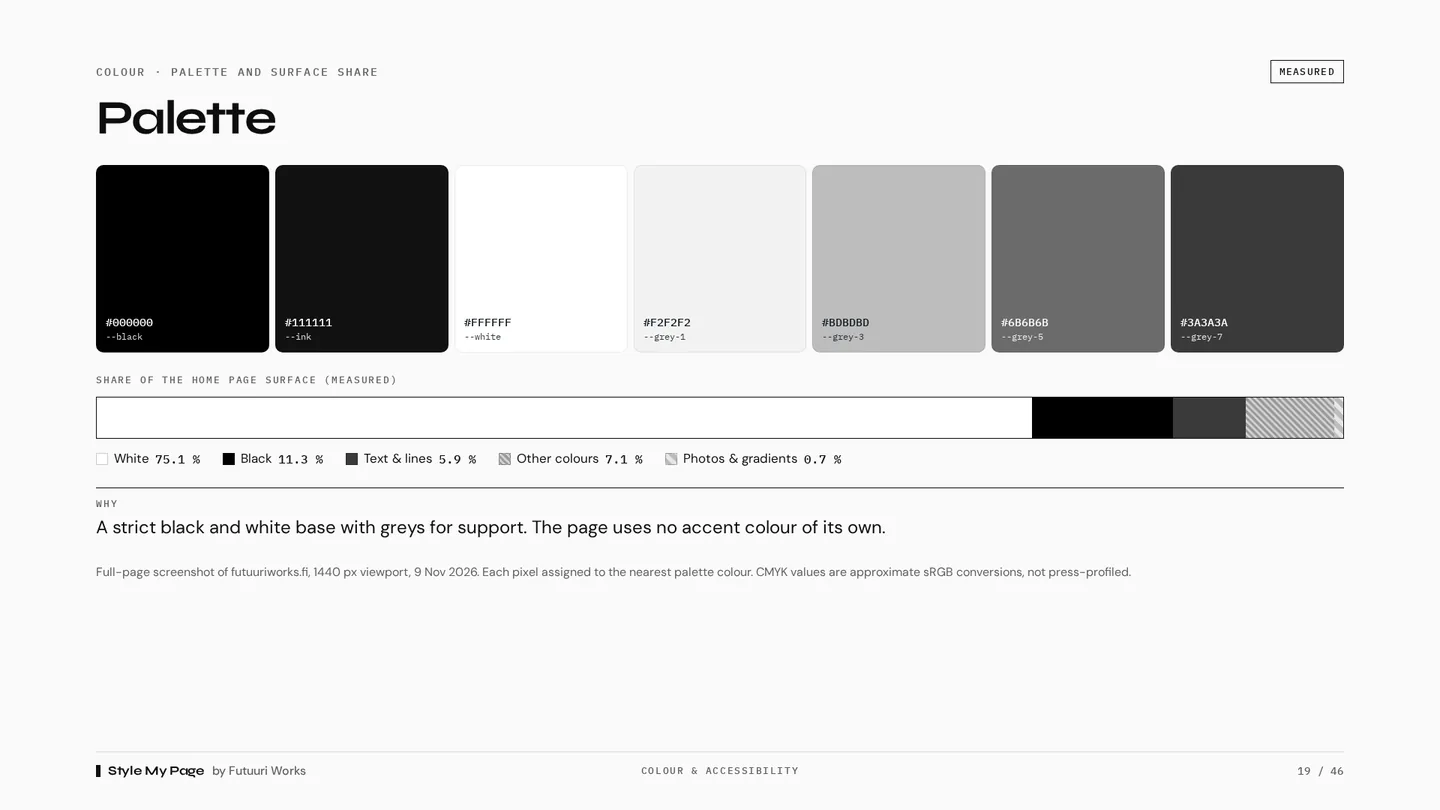
- ColorPalette with measured page share, WCAG contrast pairs
- TypographyFonts and the sizes measured on the page
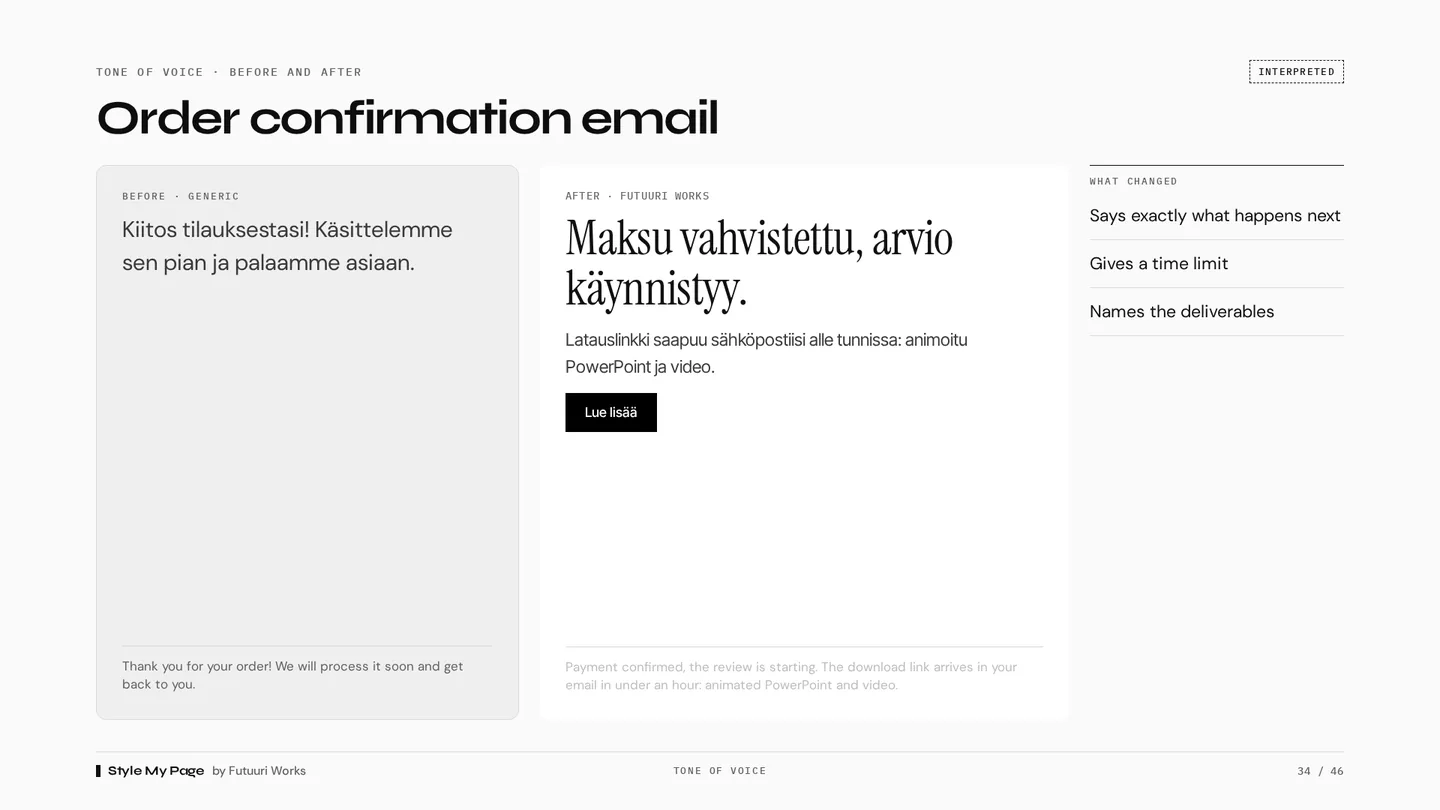
- Tone of voiceHow you sound, words to use and avoid
- Imagery & gridImage rules, recurring elements, spacing
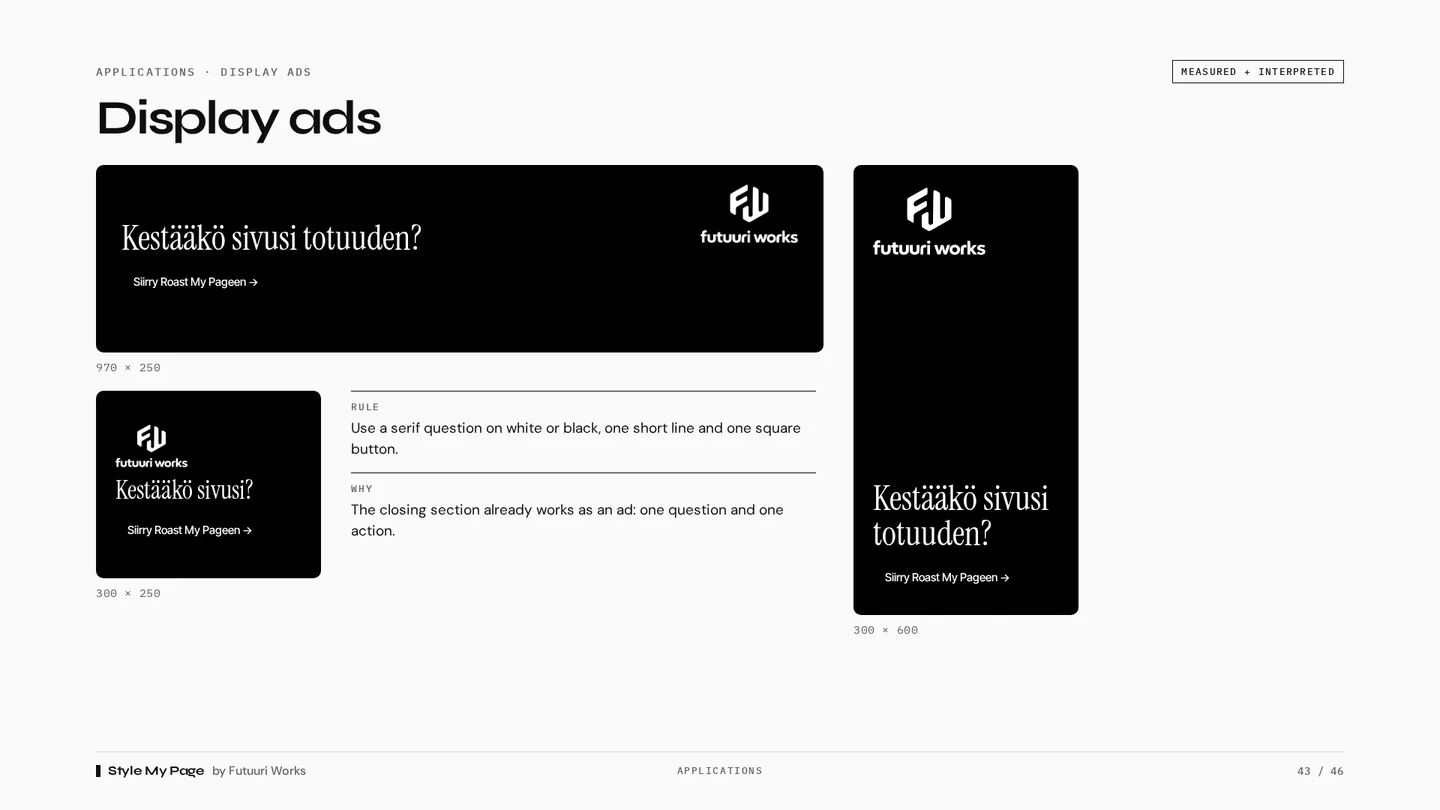
- ApplicationsWeb, email, signature and display ads
The PowerPoint files
- Guide as PPTXThe same pages as the PDF, with text and shapes you can edit and copy
- Slide templateReady layouts in your colors, fonts and logo: title, section, text, two columns, image, statement, big number, closing
The ZIP
- LogosAs found on the page, plus black and white versions marked "derived"
- tokens.jsonColors, fonts, sizes, radii and spacing as data
- colors.cssCSS variables for your palette
- Contrast matrixEvery palette pair with its WCAG ratio
- FontsGoogle Fonts files included; other fonts linked
Measured Read from your page. Exact values.
Interpreted Written from your page copy. Read it before you share it.
03
A real sample
The guideline made from futuuriworks.fi, in English, straight from the pipeline. Nothing was edited by hand.

04
What it is, and what it is not
It describes your page as it is today.
It does not redesign your brand or invent a new one. If your page is inconsistent, the guide shows that too.
Your colors, not your widgets'.
Colors and fonts that come from embedded tools, such as chat or booking widgets, are listed on their own page and kept out of your palette.
The page must be public.
We read what any visitor sees, without a login. We never click “accept” on cookie banners, and analytics scripts are blocked while we read.
05
Join the waitlist
Ordering is not open yet. Leave your email. You get a short confirmation now, and one email when you can order your guideline.
06
Questions
Who writes the text?
Three AI models. One writes each section from the words on your page. Two others check it against the page and flag anything that is not supported. Each section shows how many of the three agreed. Measured values, such as colors and sizes, are not written by a model at all.
Can I edit the guide?
The PDF is the fixed reference: it looks the same on every screen and printer. The PowerPoint version has the same pages with editable text and shapes, so you can change wording or copy colors and slides into your own material. The ZIP has the colors, fonts and sizes as data (tokens.json and colors.css), so a designer or developer can build on them.
What is the slide template?
A PowerPoint file for your own presentations, in the colors, fonts and logo measured from your page. Pick a layout under New Slide: title, section, text, two columns, image, statement, big number or closing. It has one example slide per layout and no Style My Page branding on your slides.
What if my site uses fonts I cannot share?
Your fonts are embedded in the PDF so it looks right. PowerPoint files cannot carry fonts, so install them for the exact look: Google Fonts files are in the ZIP. If your font is not on Google Fonts, PowerPoint shows a common system font such as Arial instead until your own font is installed. For such fonts we link to where they come from.
When can I order?
Soon. Join the waitlist and we will email you when ordering opens. Nothing is charged before you place an order yourself.
Which languages?
English by default. The guide follows your page language, or you can choose. Finnish is being finished now.